Projected month end
$2,010
What this month is on course to cost, if the rest of it spends like the part that has already happened.
Blank for the first 5 days
Why it's different
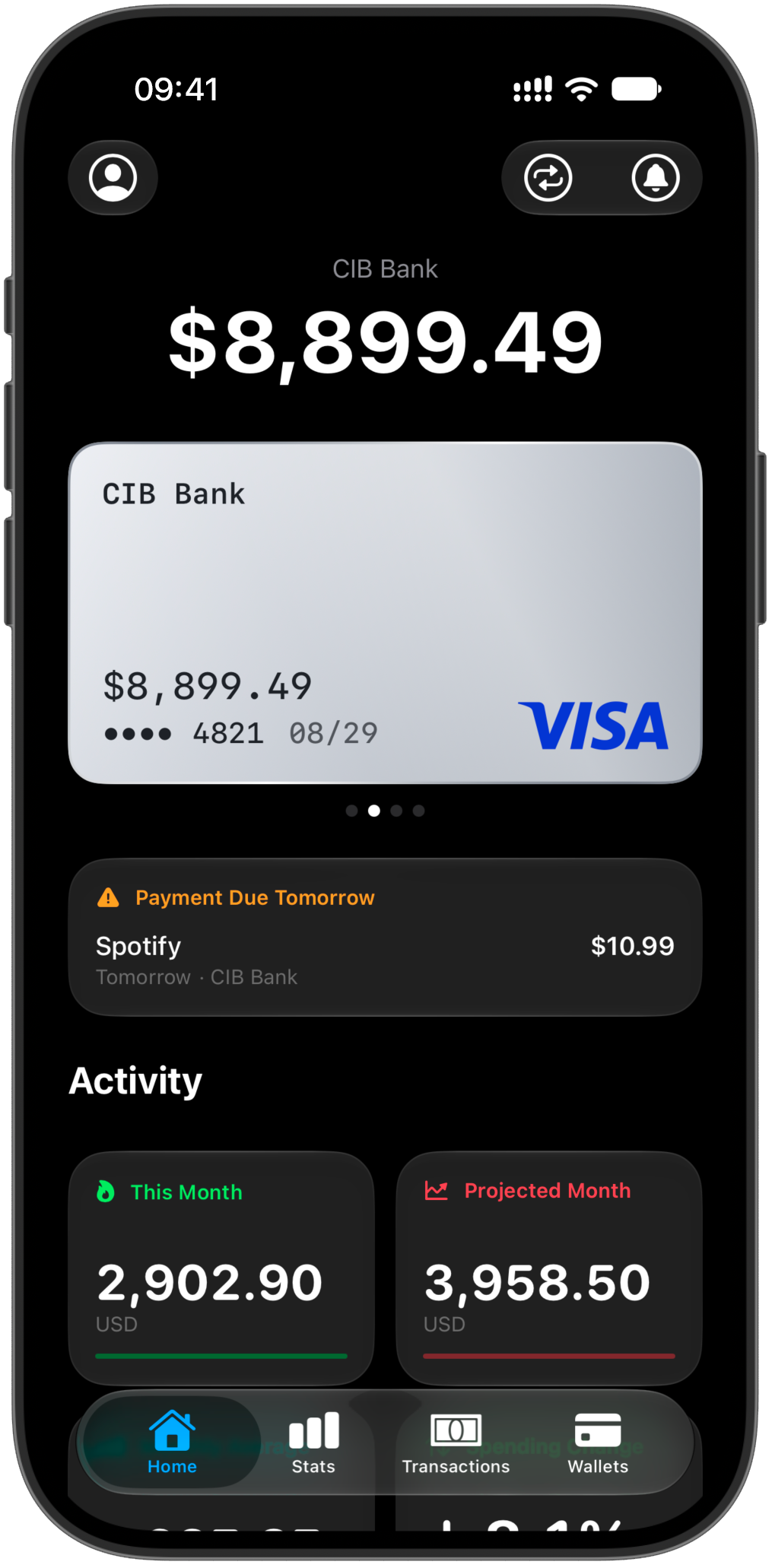
Your money reflects the way you live. Finansist keeps every card and currency in one place and reveals the patterns, habits, and choices behind the numbers. Think of it as a personal accountant, whether you run a student budget or a family household: it reads every entry and tells you, in plain words, what it means.
The figures
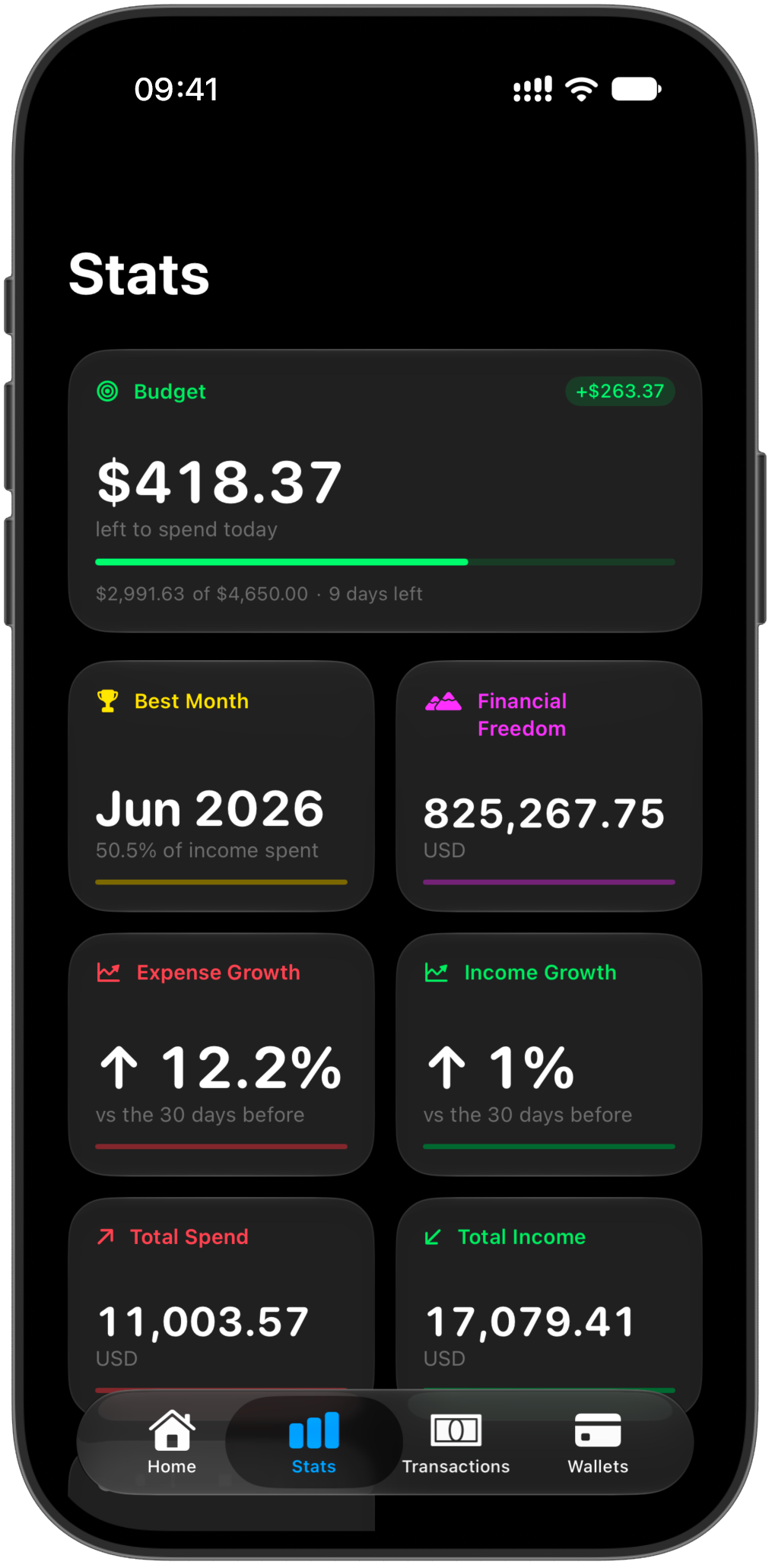
Every purchase is a heartbeat. Finansist reads the rhythm and turns it into a handful of signals that help you understand how you're doing — which habits shape your month, how they change, and what your numbers are really telling you.
Widgets below show sample data
$2,010
What this month is on course to cost, if the rest of it spends like the part that has already happened.
Blank for the first 5 days
68% of income
How much of what you earn you spend. Under 100% means you kept something; over it means more went out than came in.
Spent ÷ earned
−12%
Whether your spending is rising or falling. Below zero means you spent less than before.
Last 30 days vs. the 30 before
38% spent
The month you kept the most of what you earned. It's a share, not an amount, so a quiet month can beat a big one.
Smallest spend-to-income share
$23.40
A high average means a few big decisions drive your spending; a low one means it's made of many small ones.
Expenses only — income excluded
$612,400
How much you would need set aside for your spending to be covered for good, without earning again.
Needs 3 months of history
What's inside
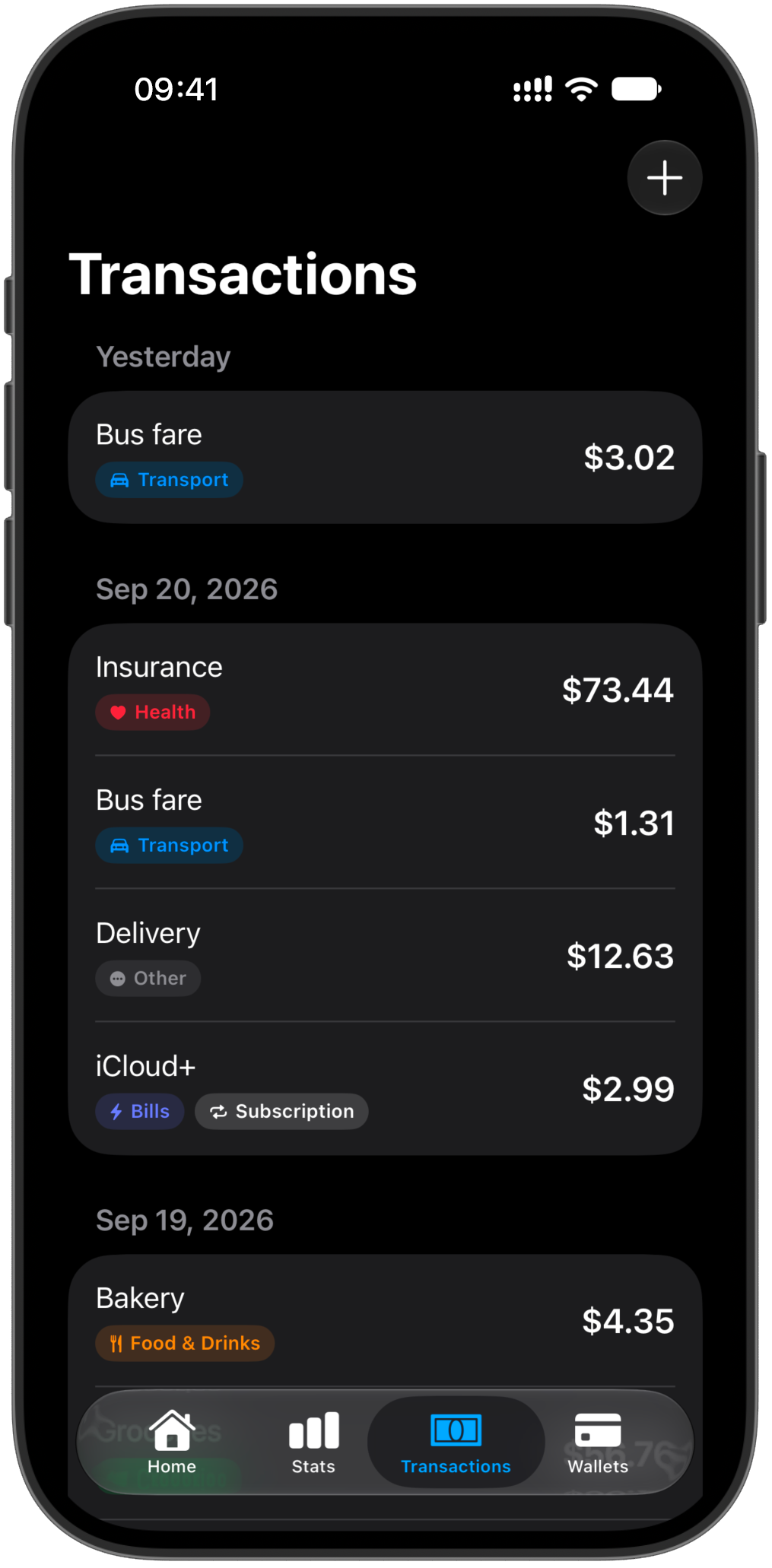
Recording what you spent is the easy half. These are the parts that tell you what it means.
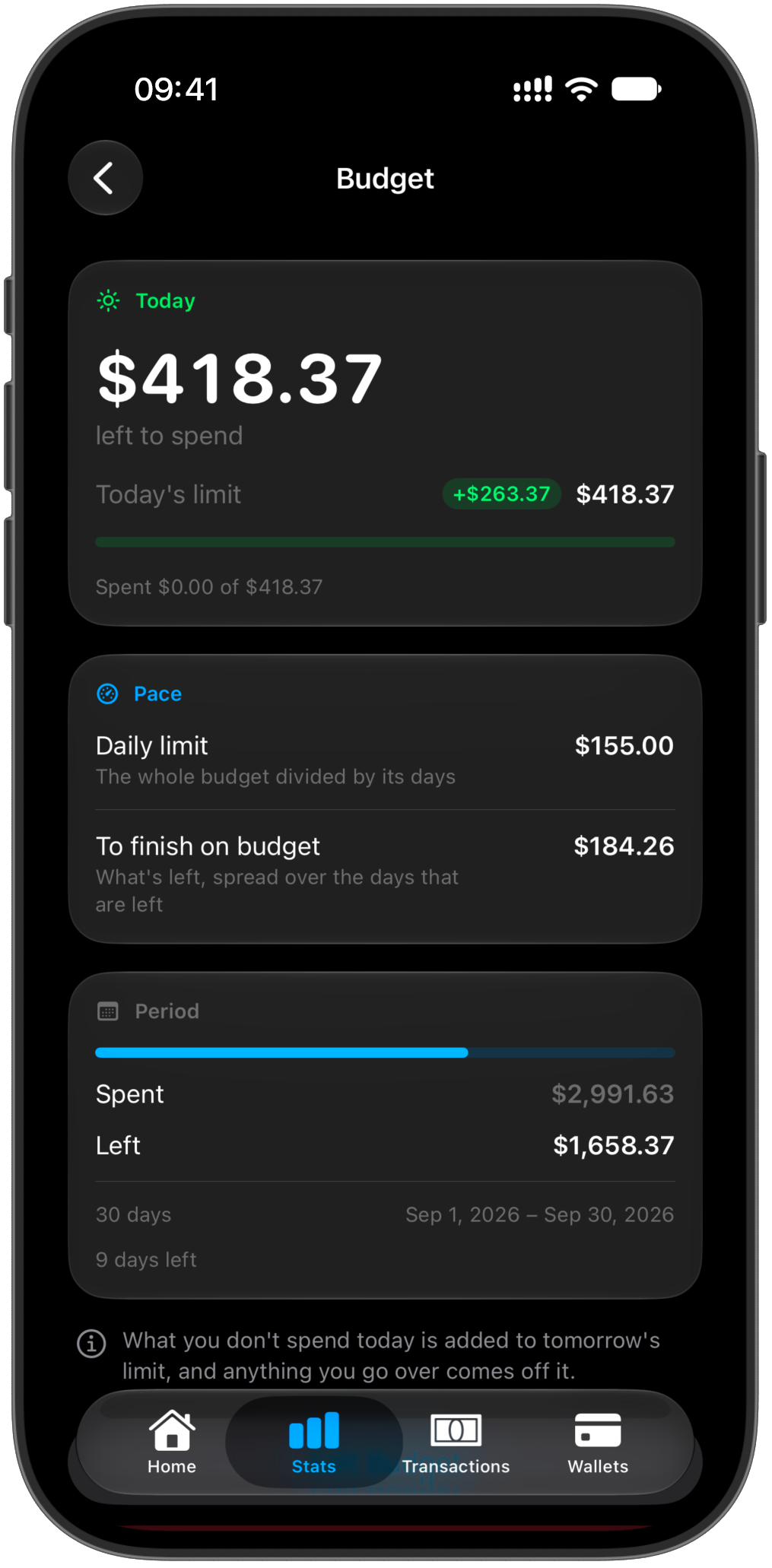
Know your pace. Finansist turns your monthly budget into a daily signal — showing how you're spending, where you stand, and how today's choices affect the rest of the month.
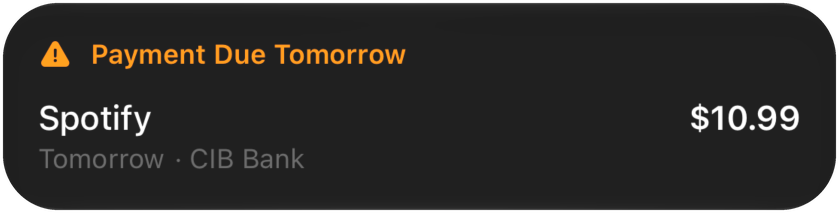
Weekly, monthly or yearly — what renews, when it renews, and what it quietly costs you over a year. What is due next sits at the top of the home screen the day before it lands.
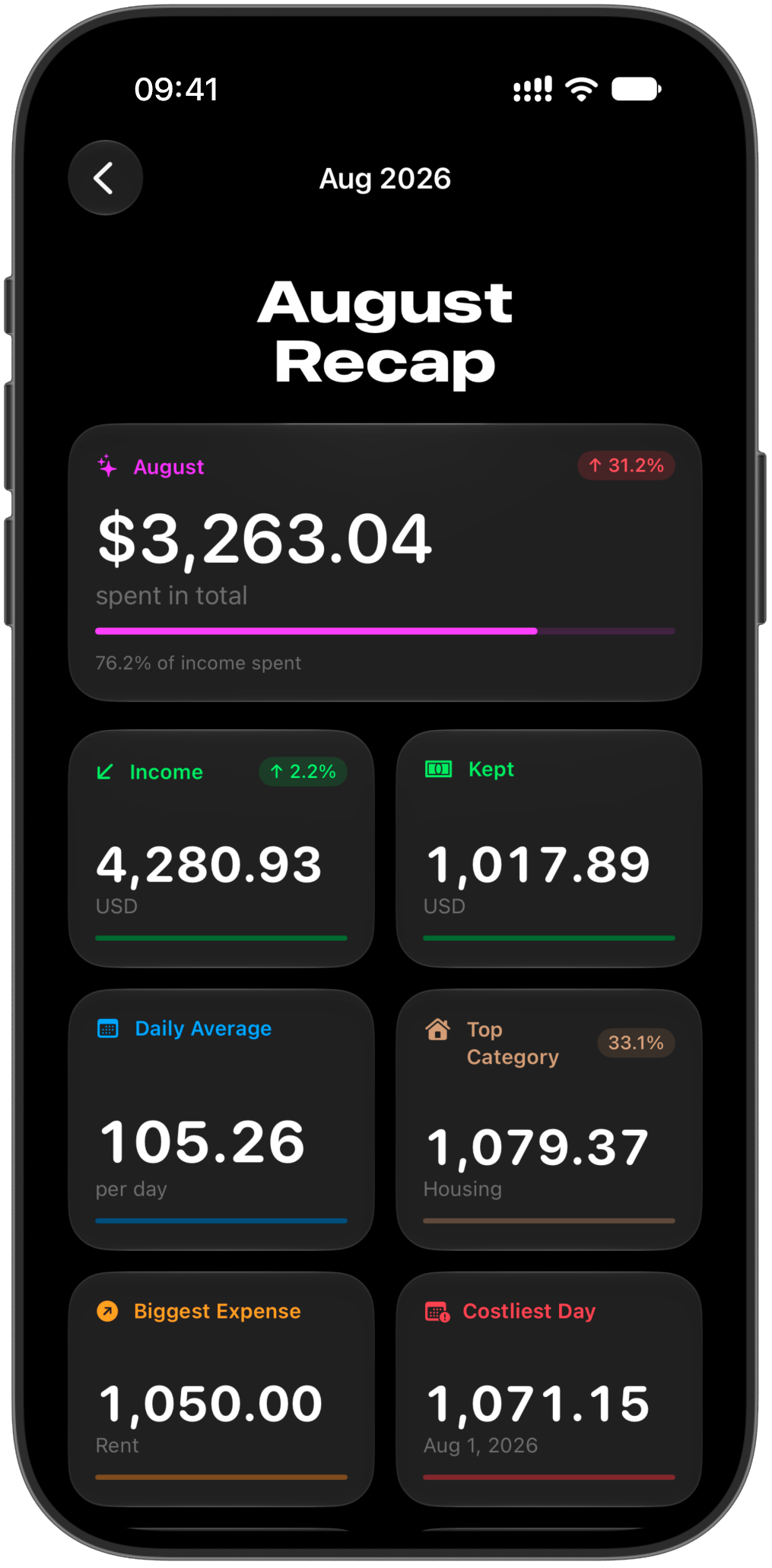
A month is more than a total. Finansist turns 30 days of spending into a clear picture of how you lived — what you spent, what you kept, what took the biggest share, and how this month compares with your own.
Some parts of your financial life sit outside your bank account. Finansist brings them into focus — what you owe, what you’re owed, and how those balances change over time.
Your language
Pick a language and a number format independently of your phone's — useful if you think in one currency and live in another.
Privacy
Finansist doesn't ask for your online banking login, because it doesn't need it. You record what you spend, and the record is yours — today on your phone, and soon in your own iCloud.
Support
A bug, a number that looks wrong, or an idea for what should come next — write in.
Replies usually within two business days. If you're reporting something that looks wrong, include your iOS version and what you expected the number to be — that's almost always enough to find it.
No. There's no bank linking and no card import — you enter transactions yourself, which is also why there's nothing to log into and nothing to leak.
If the transaction was in a different currency from the one your totals are kept in, it's converted using the rate for the day it happened. The amount you typed is preserved and shown on the transaction itself.
For the first five days of a month there isn't enough of it to project from — two days in, one big shop multiplied out is a rumour rather than a forecast. It fills in on the sixth.
Not yet — right now the ledger lives on the phone you entered it on. iCloud sync is being wired up, and when it lands your data syncs through your own Apple account rather than a server of ours, so a new iPhone or a restored backup picks up where you left off.
Not today. Finansist is built natively for iPhone, and that's where the work is going for now.
Nothing. Finansist is completely free: no subscription, no account, and your data stays on your phone.

The waitlist
Finansist isn't on the App Store yet. Leave your email and we'll send you the download link the day it launches.
Free on the App Store. No subscription.
iPhone · iOS 18 and later